How do I Extract SMS 2003 SP3 to a specific directory?
|
How do I Extract SMS 2003 SP3 to a specific directory? |
|
Is there anyway to extract the SMS 2003 SP3 files to a specific directory?
Contributed By:
Cliff Hobbs [MVP
ConfigMgr/ SMS]
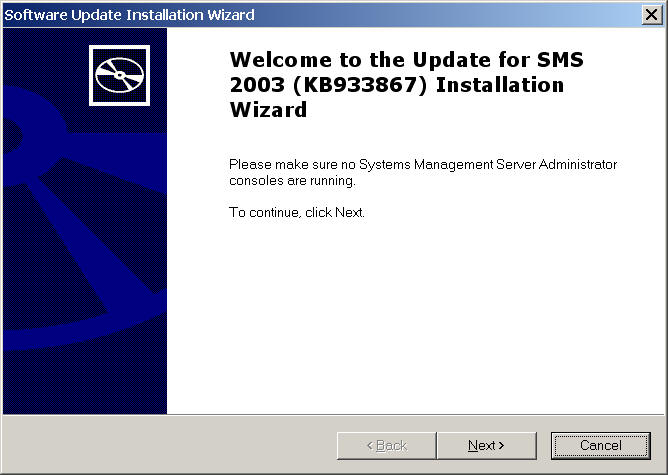
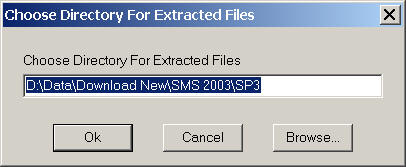
If you cancel out of the installation at this or at any future point, once you confirm you want to cancel the installation the temporary directory name is deleted which can be a real pain. BUT if you run "SMS2003sp3.exe" with the "/x" switch as shown below you'll see the "Choose Directory For Extracted Files" dialog box that allows you specify the directory you want to extract the SP3 files to (browse or type the name of the directory then click "Ok"). D:\Data\Download New\SMS 2003\SP3>sms2003sp3 /x
Once extracted (you'll see an "Extraction Complete" dialog box), the directory stays there until you delete it, regardless of whether you cancel the installation or not. NOTE: Once you've extracted the files you need to run "autorun.exe" to start the installation of SP3 as the installation doesn't happen automatically as it does when you just run "SMS2003sp3.exe".
|
| © FAQShop.com 2003 - 2009 |
|
|