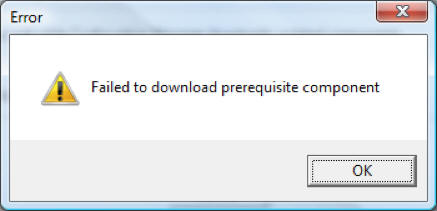
Why do I get "Failed to download prerequisite component" when downloading the ConfigMgr Prerequisite files?

Go back to the ConfigMgr 2007 Home Page


Why do I get the error “Failed to download prerequisite component” when downloading the ConfigMgr Pre-requisite files?

Failed to download prereq files error

Contributed By: Cliff Hobbs [MVP ConfigMgr/ SMS]
This is probably down to your browser's network settings, which in this case was IE:

  1. From within Internet Explorer navigate to “Tools | Internet Options”.
  2. Click the “Connections” tab.

  3. Click the “LAN settings” button.

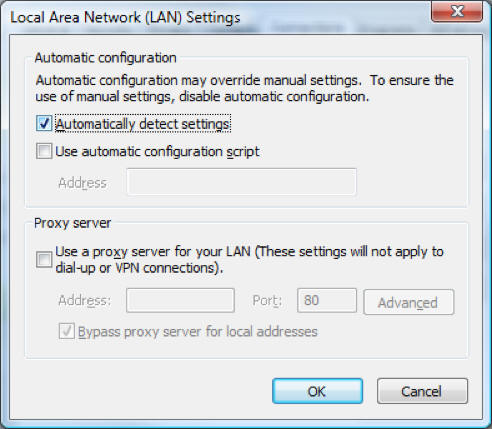
  4. Click the “Automatically detect settings” checkbox.

    LAN settings

  5. Click “OK” twice.

  6. Retry the download which will carry on from the point of failure (i.e. if it’s downloaded 10 it doesn’t start from number 1 again it resumes at number 11).  You may have to retry your download several times as the downloads can be impacted by how busy the server is you are downloading from.


To see other ConfigMgr 2007 Installation and Configuration related FAQs click here.
© FAQShop.com 2003 - 2010

Go back to the ConfigMgr 2007 Home Page